








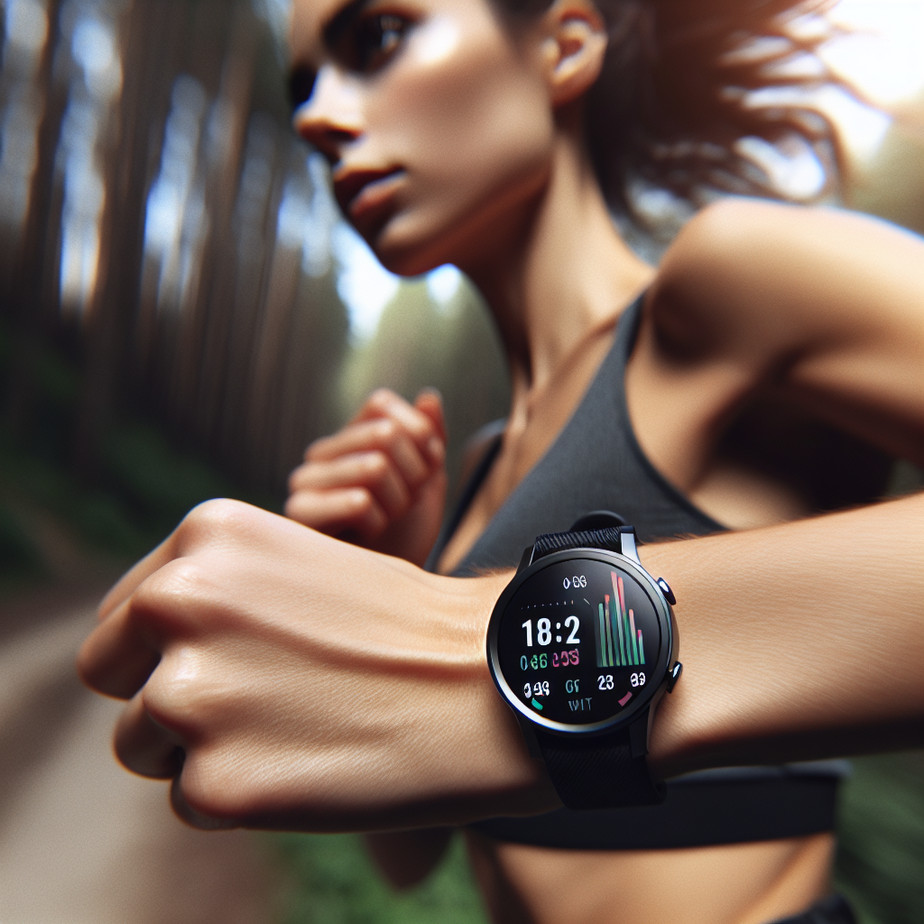
Transform Your Workout Experience with Smart Encouragement
Imagine having a fitness companion that not only tracks your workout metrics but also provides real-time encouragement tailored just for you. With the introduction of Workout Buddy on iOS 26 and watchOS 26, Apple is making that imagination a reality. This feature acts as your supportive partner, helping you stay motivated and informed during exercise sessions—all from your Apple Watch.
Understanding the Motivation Behind Workout Buddy
While much of the fitness tech landscape is dominated by strict coaching programs and rigid regimentations, Workout Buddy takes a different approach. It’s designed to function more as a supportive voice in your ear rather than a drill sergeant counting down your reps. This nuanced shift paves the way for a more personalized workout experience, allowing for a motivational push rather than an unyielding agenda.
How It Works: Your New Fitness Companion
Workout Buddy integrates seamlessly with the existing Workout app on your Apple Watch. By analyzing key metrics like pace, heart rate, and distance, it delivers encouragement and feedback during your workout via Bluetooth-connected headphones. The beauty of this feature lies in its adaptability; it’s not just about stats but also about personal growth. For instance, it provides reminders of your weekly activity totals, your personal bests, and even a summary at the end of your session.
Getting Started: Requirements and Setup
Before diving into the fun part, there are a few prerequisites. First, ensure your Apple Watch is running watchOS 26 and is paired with an iPhone that supports iOS 26. For the best experience, you’ll need one of the latest iPhone models, capable of on-device Apple Intelligence.:
- iPhone 15 Pro
- iPhone 15 Pro Max
- iPhone 16 variants
Moreover, Bluetooth headphones are essential as Workout Buddy does not utilize the watch’s speaker for audio feedback. And as a final touch, make sure your device’s language settings are configured to English; at least for now, as that’s currently the only supported language.
Enabling Workout Buddy via iPhone
Although the magic happens during the workout on your Apple Watch, initial setup can be done via the Fitness app on your iPhone. Here’s a step-by-step guide:
- Open the Fitness app and tap the Workout tab.
- Scroll to find the workout type you want to pair with Workout Buddy.
- Tap the waveform bubble icon for that workout and toggle the Workout Buddy feature on.
- Select your preferred voice for the feedback.
Once you complete these steps, Workout Buddy is set for that specific workout type, making it easy for subsequent sessions.
Activating Workout Buddy on Your Apple Watch
Now, to activate it during workouts:
- Open the Workout app on your Apple Watch.
- Select your desired workout type.
- Tap Alerts and toggle on Workout Buddy.
After that, you’re all set to begin! With just a click of a button, Workout Buddy will engage as soon as you kick off your session.
Making the Most of Your Workouts
What can you expect once Workout Buddy is active? As you move through your workout, it will deliver upbeat feedback tailored to your performance, along with motivational insights. For example, if you’re approaching a personal best, it might remind you to push through, or it may provide pacing tips as needed.
When your workout wraps up, you’re greeted with a summary that highlights vital stats such as duration, distance, and calories burned. This summary can help you assess your performance and set new goals.
Fine-Tuning Your Settings
Workout Buddy is highly customizable. You can enable the feedback for certain workouts while opting out for others. Whether you prefer to hear encouragement while running or prefer silence during strength training, managing these settings is straightforward. Remember, you can adjust preferences directly from the Watch interface or the Fitness app, depending on your needs.
Troubleshooting Tips
In practice, users may encounter a few hiccups. If you find that Workout Buddy isn’t activating:
- Check that your devices meet all specified requirements.
- Ensure Bluetooth is enabled, and the headphones are connected to your iPhone.
- Note that if the headphones are only paired with your Watch, it can lead to issues—switching the connection to the iPhone usually resolves this.
If you continue to experience problems, a quick reboot of both devices often works wonders.
FAQs
1. What workout types support Workout Buddy?
Currently, supported workout types include running, walking, cycling, HIIT, and strength training.
2. Can I customize the voice feedback?
Yes, you can select different voice options through the Fitness app.
3. Does Workout Buddy require an internet connection?
No, it operates using on-device Apple Intelligence, so an internet connection isn’t necessary during workouts.
Final Thoughts: Elevating Your Fitness Journey
With features designed to make workouts more engaging, Workout Buddy offers a refreshing take on fitness guidance. It fills the gap between a full-on coaching experience and pure self-motivation, providing insights that can help push you further on your journey. As we integrate technology deeper into health and fitness, supportive innovations like this are paving the way for better personal growth and achievement.
To explore more about this innovative feature and how it fits within the broader spectrum of wearable technology, check Apple’s official information page for all the latest updates.